
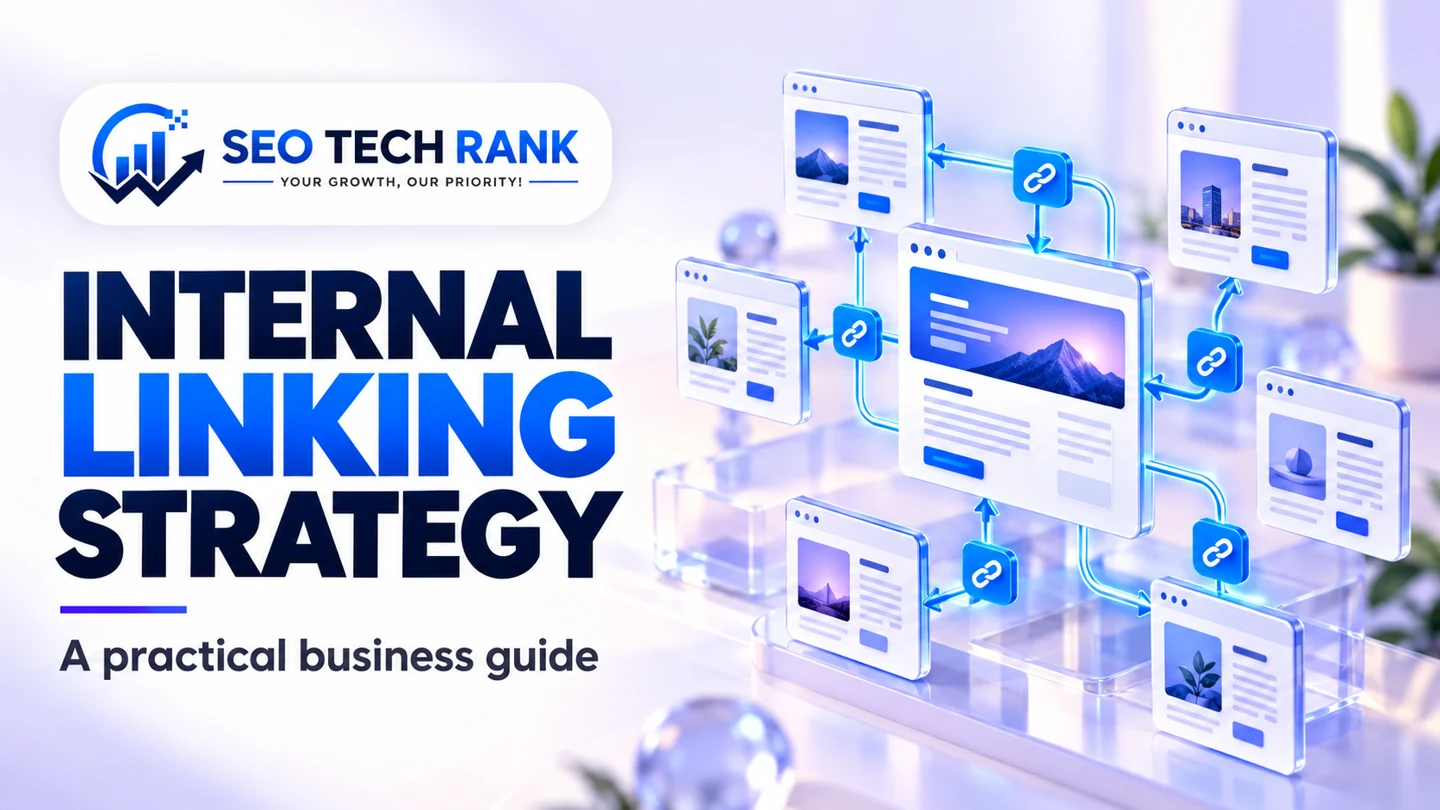
An internal linking strategy decides how pages on the same website help visitors discover information and continue a task. It combines navigation, contextual links, related resources and breadcrumbs. The purpose is a usable website structure, not the largest possible number of links.
Begin with important destinations and the paths that should lead to them. A service page can be public and listed in a sitemap while still being difficult for an ordinary visitor to find.
Inventory the pages that matter
List public canonical pages, their purposes and existing inbound internal references. Separate service, category, guide and contact destinations. Note private and noindex areas so they are not promoted accidentally.
A crawl can reveal linked URLs, but compare it with the CMS inventory and sitemap. A page missing from the crawl may be an orphan or simply outside the crawl's starting scope. Investigate before labelling it.
Define a navigation hierarchy
Global navigation should expose the main customer routes. Category or service hubs can organise deeper choices. Avoid turning the header into a full inventory that becomes hard to use on a phone.
Breadcrumbs can explain where a page belongs. Keep them consistent with the site's actual structure. Do not add a fictional hierarchy solely to display more keyword-rich links.
Add contextual links where they answer a question
A paragraph about measurement can link to a reporting guide; a discussion of redirects can link to a migration checklist. The relationship should be clear before the reader clicks.
Google's link guidance recommends crawlable links and meaningful anchor text. Use ordinary descriptive wording rather than repeatedly forcing the same commercial phrase into every article.
Review anchors as promises
Read the anchor text without the surrounding paragraph. Does it describe the destination accurately? Avoid “click here” when a more informative phrase fits, but do not make every anchor a long list of search terms.
Check the destination too. An anchor promising a practical checklist should not lead to a generic quotation form. Update wording when a page's purpose changes.
Deal with orphan pages deliberately
Confirm that an isolated page should remain public and useful. If it does, identify a suitable hub or related guide that can introduce it naturally. If its purpose is unclear, improve or reconsider the page before adding links everywhere.
Do not publish a new article solely to create a link to another article. The topic planning guide helps establish a real relationship between resources.
Preserve links during content changes
When a URL changes, update links under your control to the final destination. A redirect can preserve access, but it should not become a reason to leave avoidable chains throughout the website.
After a release, check representative templates, article links and navigation. Use the migration checklist for larger moves and keep a record of the intended destinations.
Make related content selective
Related articles should share a useful question, category or customer stage. A short relevant list is easier to evaluate than an automated wall of every published post.
A hypothetical website guide could recommend speed optimization and WordPress maintenance while leaving unrelated advertising content out. This is an editorial choice, not a prediction that a particular number of recommendations will improve rankings.
Test the experience on smaller screens
Long anchors, deep dropdowns and closely packed links can make navigation difficult. Check keyboard operation, visible focus and touch targets. A technically crawlable link still needs to work for a person.
Use the technical SEO checklist alongside a manual journey review. If support is needed, review SEO services with a page inventory and a clear customer path. Internal linking works best when each reference has a reason to exist.